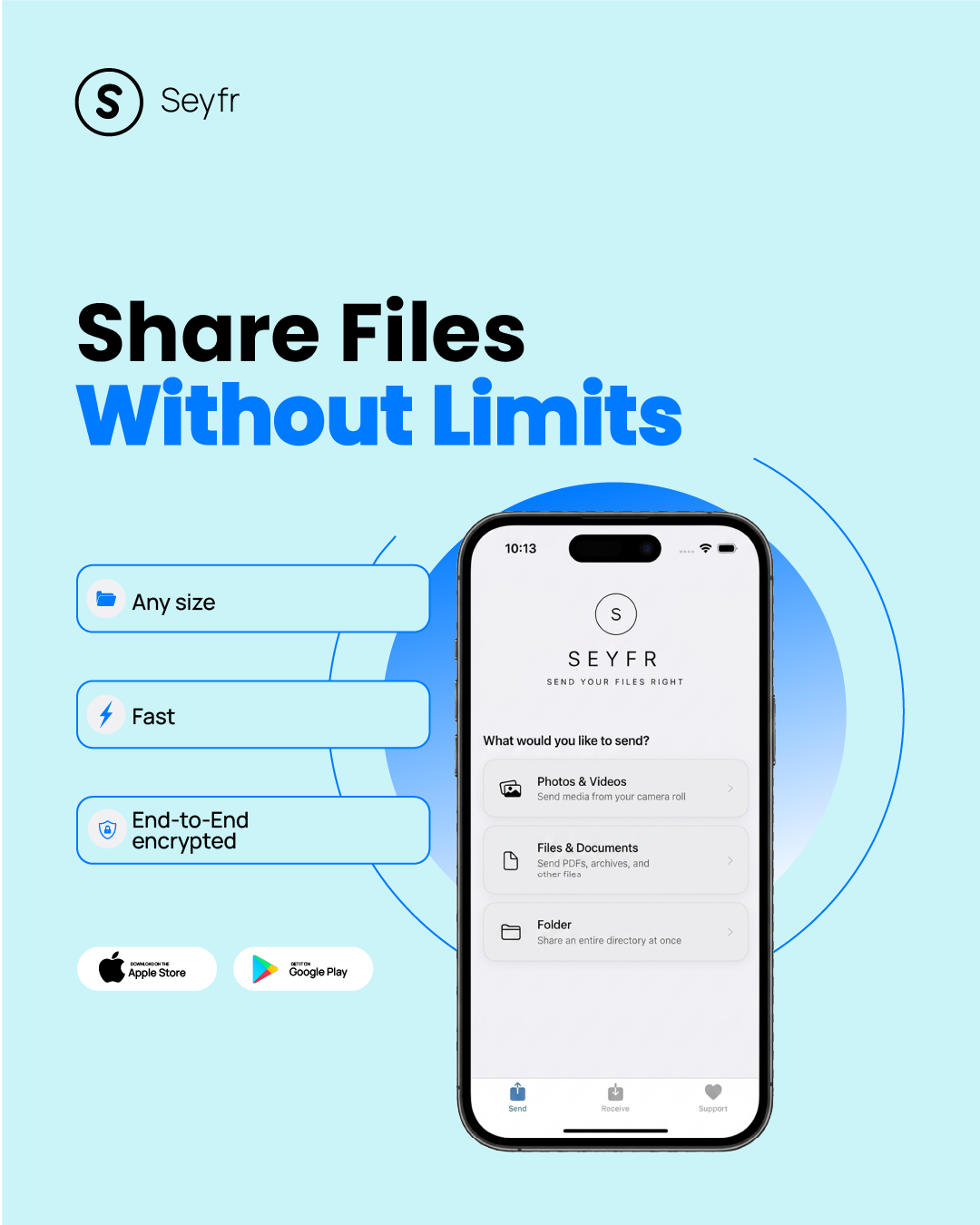
Send Your Files Right.

Beam any file to any device in original quality. Zero cloud servers, no size/speed limits, ad-free, and no sign-ups!
No file size cap Speed limited only by your connection End-to-end encrypted
Mac · Windows · Linux · Android · iPhone
Watch: Send Files Between Windows PC and iPhone in Seconds — SEYFR
📷 Photos 🎬 4K Videos 📁 Folders 📄 PDFs & Documents 🗄️ ZIP Archives 🎵 Audio Files 🖼️ RAW & PSD 💾 Large Installers 🎮 Game Files 💻 Source Code 📊 Spreadsheets 🎞️ Raw Footage

Trusted by users across the globe in just a few days
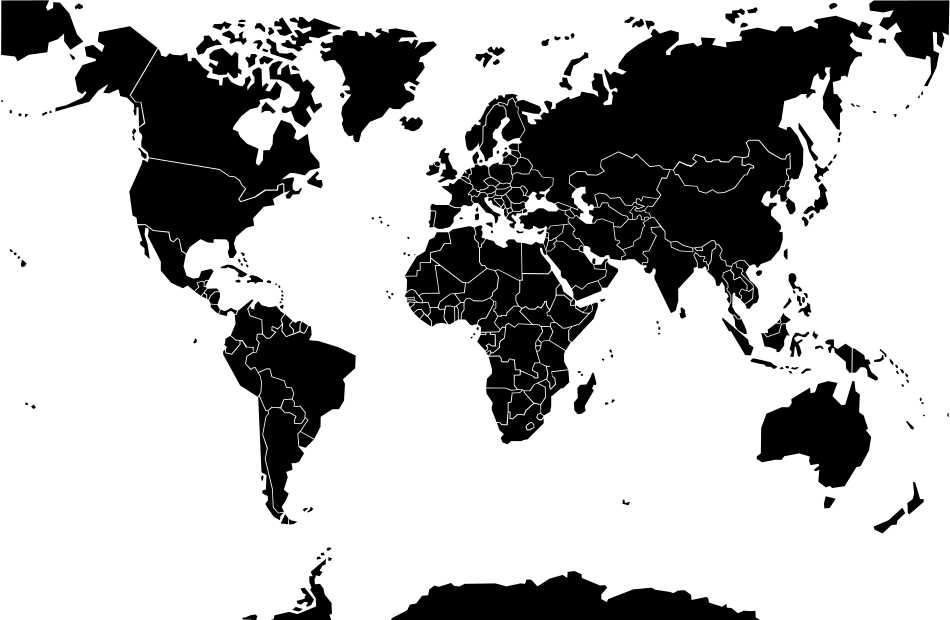
World Map
🇺🇸 25
🇨🇦 1
🇧🇷 2
🇻🇮 2
🇬🇧 5
🇫🇷 4
🇩🇪 2
🇧🇪 1
🇸🇪 1
🇳🇱 1
🇺🇬 7
🇰🇪 1
🇳🇬 1
🇮🇳 1
🇨🇳 2
🇦🇺 1

Blown away by our global reach — thank you! 👏 The United States leads the way, with our rapidly growing community in Uganda right behind. A huge welcome to our users in the United Kingdom, France, Germany, Brazil, and the Netherlands — and to our newest arrivals in China 🇨🇳 and Sweden 🇸🇪, we see you! To every user in Nigeria, India, Kenya, Australia, Belgium, and Canada — we are grateful for every single one of you.

We are incredibly grateful for your support. If you are experiencing any issues, please don't hesitate to reach out!

Our latest version, v1.6.2, is very stable with zero crash reports. If you're encountering issues, simply updating might instantly solve your problem!

Real world proof

7,000 miles. Two iPhones. No cloud.

Uganda to the United States — live. No accounts, no USB, no waiting.

Watch: AirDrop Can't Do This — Seyfr sends a photo 7,000 miles away

Send from one device. Receive on another.
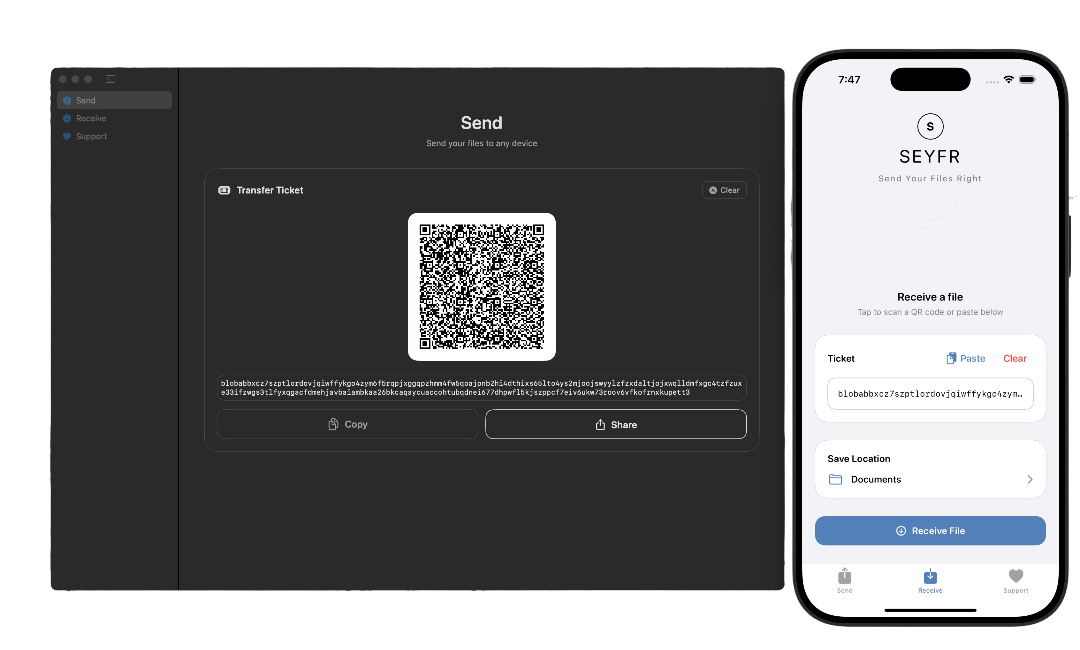
Available on all PCs, Macs, Android phones, and Apple iPhones.
1. Select a File
Drag and drop any file or folder directly into the app, or use your system's file picker. There are zero file size limits.
2. Generate Token
SEYFR instantly generates a secure connection token and a QR code for your transfer. No cloud upload required.
3. Scan & Receive
The receiver simply scans the QR code or pastes the token and clicks receive to securely beam the file directly to their device over an encrypted P2P tunnel.
Seyfr app running on a Mac, Android phone, and Apple iPhone displaying the file transfer QR code

Direct Hole-Punching

Move files directly between devices over the internet. SEYFR uses a technique called "hole-punching" to poke a secure, temporary needle-sized tunnel through your home router's firewall so your files travel straight to your friend with no cloud middlemen.

Any Device, Any File

Send files and entire folders between Windows, Mac, Linux, Android, and iPhones. There are no size limits, no speed limits, and no account sign-ups required.

Built-In Folder Jail

Your files are fully encrypted and sent directly. SEYFR uses a strict mathematical "folder jail" (sandbox lock) that physically walls the app inside its own single directory—making it mathematically impossible for any hack to touch or spy on your other folders.

We heard you.

These are the most common frustrations people have with file-sharing apps.
Every one of them is a problem Seyfr was designed to never have.

They need to be on the same Wi-Fi.
Proximity-based apps
Seyfr works across any network. Your friend can be on a different carrier in a different country. No same-network requirement, ever.
My photos came out blurry and compressed.
Messaging apps & email
Seyfr never touches your files. Every photo, video, and document arrives bit-for-bit identical to the original. Zero quality loss.
The download link expired before they got it.
Cloud-link sharing services
Seyfr has no links and no expiry. Files stream directly between devices. There is nothing to expire because nothing is stored anywhere.
They had to create an account just to receive my file.
Cloud storage platforms
Seyfr needs zero accounts. Not for you. Not for the receiver. Open the app, scan a QR code, done.
The app is full of ads.
Ad-supported file sharing apps
Seyfr is completely ad-free. No banners. No popups. No unnecessary permission requests. Just file transfer.
It only works between phones on the same brand.
Ecosystem-locked apps
Seyfr is genuinely cross-platform. iPhone to Android. Mac to Windows. Linux to anything. Any combination, any direction.
The file was too big to send.
Cloud services with storage quotas
Seyfr has no file size limits. 4K video. 100 GB archive. Raw camera files. There is no cap because your files never touch a server.
Their servers now have a copy of my private files.
Cloud-based file sharing
Seyfr is peer-to-peer. Files stream directly from your device to the receiver's. No server ever holds, sees, or stores anything.
It failed at 94% and I had to start over from zero.
Apps without retry support
Seyfr retries automatically. If the connection drops, it attempts reconnection up to 3 times before giving up — no manual restart needed.
The app drained my battery just sitting in the background.
Apps that scan constantly for nearby devices
Seyfr runs on demand. It doesn't scan for devices, listen in the background, or drain your battery when you're not actively using it.
I found out the service scans everything I upload.
Cloud storage services
Seyfr never sees your files. There's nothing to scan. Files go directly between your devices — no middleman, no automated content analysis.
The transfer was so slow it would have been faster to mail a USB drive.
Cloud-relay services with throttled upload speeds
Seyfr goes direct whenever possible. No cloud upload bottleneck. Devices connect directly to each other — and even when a relay is needed for tricky networks, your files are fully encrypted end-to-end and the relay cannot read them.
I had no idea if they actually received the file.
Link-based sharing services
Seyfr shows live progress. You watch the transfer completing in real time — no ambiguity, no wondering if it went through.
It wanted access to my contacts, location, and microphone just to send a file.
Ad-supported transfer apps
Seyfr asks for only what it needs. Camera to scan a QR code. Storage to read your files. Network to send them. That's it — no contacts, no location, no microphone.
The link was public and anyone with it could download my files.
Cloud storage with shareable links
Seyfr uses ephemeral tokens, not permanent links. The token only works while you're actively sharing. The moment you close the session, it's gone — there's nothing left to leak or share accidentally.

Frequently Asked Questions

The Concern on Forums: "How do I know a file transfer app isn't storing or scanning my files in transit? Even services claiming zero-knowledge often hold the encryption keys or track user metadata." See discussions on Hacker News
SEYFR is strictly peer-to-peer (P2P). Your files travel directly from one device's storage to the other. There is no cloud server or intermediary database where your files can be leaked, scanned, or intercepted.

The Concern on Forums: "Local sharing tools like LocalSend or Snapdrop are great, but strictly limit sharing to devices on the same router. It's frustrating if I need to share a file across the city." See discussions on r/selfhosted
No. SEYFR uses secure UDP hole-punching technology. This enables direct, encrypted P2P connections even across different networks (e.g., your home PC to a friend's phone on cellular data in another city), without requiring same-network connectivity or manual setup.

The Concern on Forums: "How secure is direct P2P data transmission? Can my ISP, network administrators, or attackers sniffing public Wi-Fi intercept the file contents?" See discussions on r/privacy
Absolutely. SEYFR establishes a secure, end-to-end encrypted connection between the two devices using standard cryptographic protocols. Nobody in the middle (not even your internet service provider or network admin) can read, modify, or intercept your files.

The Concern on Forums: "How can I trust an installed native utility not to act as spyware? I don't want a file-sharing app scanning my entire drive or accessing personal folders in the background." See discussions on r/privacy
No. SEYFR features a strict, mathematically locked Folder Sandbox ("Jail"). The application is physically walled inside its own designated directory and is technically incapable of scanning, reading, or modifying any other files or folders on your machine.

The Concern on Forums: "I hate having to create accounts and hand over my email address or phone number just to share a simple file. It inevitably leads to marketing profiles and spam." See discussions on r/privacy
No. SEYFR is built on privacy-first principles. There are no account creations, no email signups, and no passwords to remember. Simply open SEYFR and start sharing files instantly.

The Concern on Forums: "Why do free file transfer services enforce tight constraints like a 2GB cap and throttle speeds to force users into buying expensive premium plans?" See discussions on r/privacy
None at all. Since SEYFR is a direct P2P streaming protocol, there are no artificial file size caps (you can send a 100MB PDF or a 100GB video archive). The transfer speed is only limited by your own network bandwidth and hardware capabilities.

The Concern on Forums: "When sharing photos/videos via communication apps, they always compress the files heavily, destroying the raw quality. How can I transfer high-res assets in native state?" See discussions on r/privacy
Never. SEYFR sends all files and folders bit-for-bit in their original, uncompressed, high-fidelity state. Your photos, videos, and archives arrive exactly as they left, with zero quality degradation.

The Concern on Forums: "Many free tools either spam you with intrusive ads, harvest and sell user telemetry, or get bought by large corporate entities that compromise the privacy features." See discussions on r/selfhosted
SEYFR is ad-free freeware. There are no premium speed limits, no paywalls, and no annoying popups. The core file sharing experience is and will remain free, with any future optional features clearly communicated to our community first.

The Concern on Forums: "So, I have been using Messenger to send text and images to myself and then grab them on the desktop version. This has been useful for years, but I never feel quite safe having important stuff there, like passwords or codes. Is there any way to have this function but in a more private app?" See discussions on r/privacy
Messaging apps route all your files through their central servers. Not only does this heavily compress media and impose strict file size limits, but it also leaves copies of your sensitive data (IDs, passwords, private photos) vulnerable to account hacks, data breaches, and corporate metadata scanning. SEYFR keeps your files strictly between your own devices.
Seyfr — Share Files Without Limits. Any size, fast, end-to-end encrypted. Seyfr — Transfer files without size limits. Download on App Store and Google Play.

Download SEYFR.

Simple file sharing across your devices.

Download SEYFR


★★★★★

Love SEYFR? Leave a Review!

Your feedback means the world to us. It helps us improve the app and helps others discover secure, private file transfers without the cloud.

Google Play App Store (iOS) Mac App Store Microsoft Store

Know someone who struggles to send large files?

Transfer Guides

Step-by-step help for every device combination

Android File Transfer Not Working?
5 fixes + a wireless alternative that never fails
Android to Mac — Wireless Transfer
Photos, videos, folders — no USB, no Android File Transfer
iPhone to Windows PC — No iTunes
Transfer photos and videos wirelessly, full quality
Snapdrop / PairDrop Alternative
Works across different networks — not just same Wi-Fi
Send Anywhere Alternative
Free forever — no subscription, no ads
Send Large Video Files
No email size limit — any size, any format
iPhone to Mac — Wireless Transfer
No USB, no iTunes, no iCloud — all Macs
Free MacDroid Alternative
MacDroid costs $19.99/yr — Seyfr is free
Transfer Photos Without iCloud
New iPhone? Move photos without paying for storage
Android to Linux — No MTP Needed
Works on Ubuntu, Fedora, Arch, all distros
SHAREit / Xender Alternative
Same fast Wi-Fi — no ads, no data collection
Android to Windows PC — No USB
Wireless transfer over Wi-Fi, full speed
Transfer Photos from Android to Mac
All formats — JPEG, RAW, HEIC, 50MP — at full resolution
Free AnyTrans Alternative
AnyTrans is $39.99/yr — Seyfr does it free, wirelessly
Gmail Attachment Size Limit
25MB limit? Send any file size without email
AirDrop Alternative for Android
Android to Mac, iPhone, Windows — no Apple hardware needed